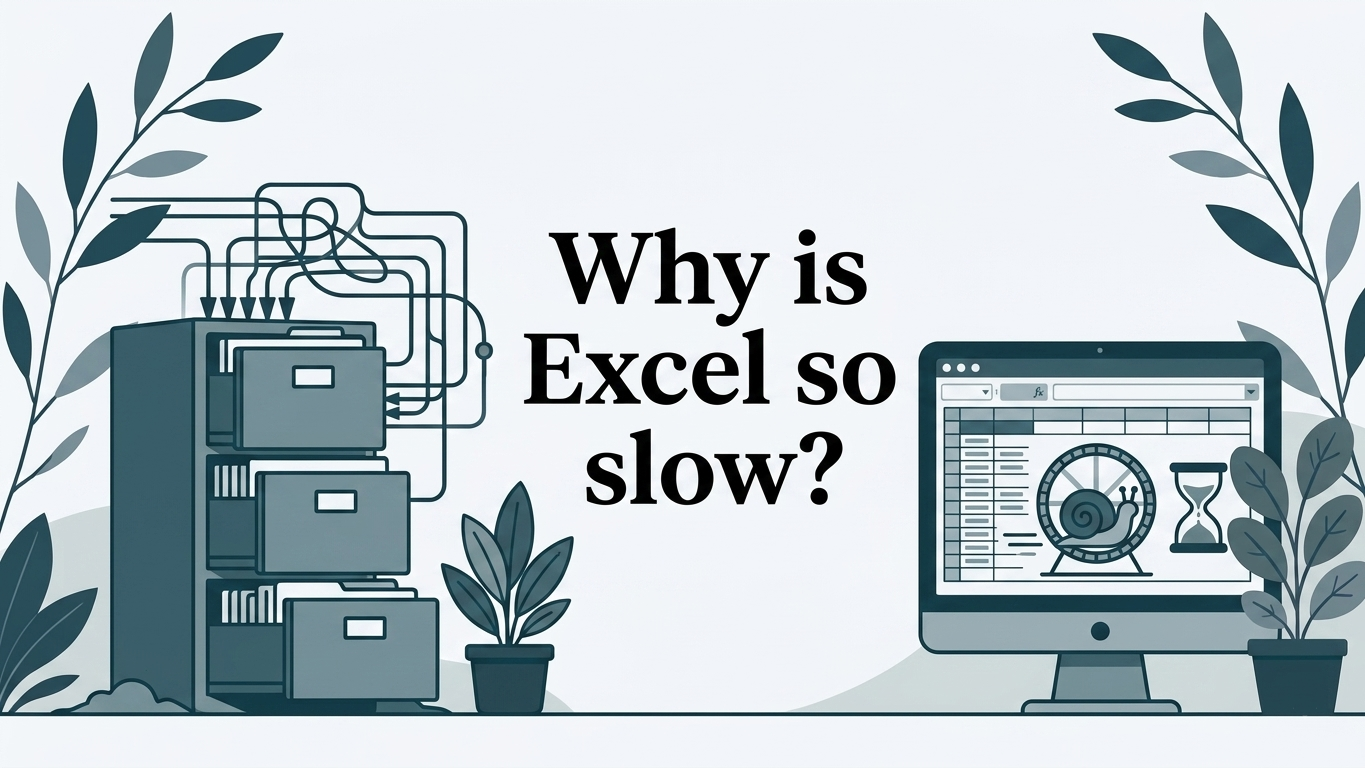
Excel is usually slow because the workbook has accumulated more data, calculations, links and responsibilities than it originally had. A newer laptop may make it feel better for a while, but it will not fix the more important problem if the file has become the way a team runs orders, forecasts, stock, projects or approvals.
The useful question is not simply “How do we make Excel faster?” It is “Is this still a spreadsheet, or has it quietly become a business system?”
First, identify where the delay really is
“Excel is slow” can describe several different frustrations:
- the workbook takes several minutes to open or save
- changing one input holds up the whole file
- refreshing data interrupts everyone’s work
- two people cannot update the same process safely
- staff spend more time checking versions than doing the job
- month-end depends on one person repairing links and formulas
The first three may be workbook performance problems. The last three are process problems. In practice, many businesses have both.
Imagine a weekly cash-flow workbook. The finance manager imports bank data, updates debtor assumptions and produces a forecast. Only two people touch it, and they understand the model. If it starts taking 40 seconds to recalculate, a tidy-up may be entirely sensible.
Now imagine a job-costing workbook used by sales, operations and finance. Sales creates a row, operations adds labour and materials, managers approve exceptions, and finance invoices from the final figures. People keep local copies because they cannot all use the master safely. Even if every formula calculated instantly, the process would still be slow.
That distinction matters because the right response is very different.
Why workbooks tend to slow down
Most slow files have grown gradually. Nobody set out to build a sprawling system. A useful spreadsheet was copied for another month, linked to another report, given a few extra columns and shared with another team.
Common contributors include:
- years of transactions held in one workbook
- formulas copied far beyond the rows actually in use
- reports repeatedly calculating the same figures
- links to other workbooks that have moved or been renamed
- imports and queries pulling in more data than people need
- formatting, charts and hidden sheets left over from earlier versions
- macros written for a much smaller file
You do not need a forensic technical exercise before taking a sensible first step. Create a safe copy and establish whether the delay comes mainly from opening, entering data, calculating, refreshing, saving or coordinating people. Ask the staff who use it every week. Their answers will usually reveal more than the file size alone.
For a straightforward workbook owned by one or two people, an experienced Excel specialist may be able to simplify formulas, remove unused content or repair data connections. That can be good value. Our service is not an Excel optimisation service, however. We rebuild spreadsheet-based processes as hosted web applications when the operational problem has outgrown the file.
The hidden waiting around the workbook
Business owners often notice the spinning cursor but miss the waiting that happens away from the screen.
Consider a purchasing tracker. A site manager emails a request. Someone in the office enters it into the workbook. A director receives a screenshot for approval. The buyer later discovers that the price changed, but cannot tell whether the approved copy includes the update. The workbook may open in five seconds, yet the purchase takes two days to progress.
The same pattern appears in:
- holiday and overtime approvals
- stock replenishment across several locations
- pricing and quotation tools
- project cost trackers
- compliance registers
- month-end data collection from departments
These processes feel like “slow Excel” because Excel is where the delay becomes visible. The underlying causes are usually handoffs, duplicate entry, uncertain ownership and the absence of a reliable current record.
A hosted web app approaches the job differently. Each person signs in, sees the work relevant to their role and updates the same live records. Required information can be checked at entry. Approvals can have a clear status. Changes can be recorded. Managers can see what is waiting without asking for a fresh spreadsheet.
That is a rebuild of the working process, not Excel placed inside a browser.
When the spreadsheet should stay
Not every important spreadsheet needs replacing. Excel remains an excellent choice where flexibility and analysis matter more than controlled workflow.
Keep it when:
- one capable owner maintains the model
- the workbook is mainly used for analysis, scenarios or reporting
- only a small number of people enter data
- changes to the structure are frequent and exploratory
- there is little harm if someone works from a copy
- its current frustrations are occasional and manageable
A board forecast, an acquisition model or a one-off margin review may be far better in Excel. Rebuilding these as an app could make them less flexible and more expensive to change.
Sometimes the answer is mixed. A business can keep financial modelling in Excel while moving data collection, approvals and status tracking into an app. Controlled exports then give analysts the familiar freedom of a workbook without asking the workbook to manage the entire operation.
Our guide on when to replace Excel with a web app looks at that decision in more detail.
Signs that optimisation will only postpone the issue
It is worth considering a different approach when several of these are familiar:
- The “master” file needs a gatekeeper. Everyone depends on one person to merge updates or repair mistakes.
- Different users should see different information. Hiding columns or protecting sheets is no longer enough.
- You cannot reconstruct what happened. A figure changed, but nobody can confidently say who changed it or why.
- Growth means copying the process again. Every new branch, customer or reporting period creates more tabs and more workbooks.
- Staff re-enter the same information elsewhere. The spreadsheet sits between email, accounting software and operational systems.
- Errors affect customers, cash or compliance. A missed row is no longer a minor inconvenience.
At this point, making the workbook calculate faster may improve one symptom while leaving the business risk untouched. If this sounds familiar, turning the Excel process into a web app does not mean cloning every cell. It means identifying the records, rules, responsibilities and outputs that the business actually needs.
What to do next
Start with a short process review, not a software shopping list.
Write down:
- who supplies information and who approves it
- where the same data is typed more than once
- which version is treated as correct
- what causes the most serious delays or mistakes
- which calculations are genuinely valuable
- which reports still need to be available in Excel
This separates a workbook that needs sensible maintenance from a process that needs rebuilding. It also creates a useful starting point for understanding how a spreadsheet rebuild works.
If the file is business-critical and you want an independent view of whether to keep it, improve the surrounding process or rebuild it, the assessment is the appropriate next step.
Excel becomes slow for understandable reasons: more history, more logic and more people are added to a tool that began with a smaller job. For a contained model, clean-up may be enough. For a shared operational process, the lasting improvement comes from giving the work a proper home while keeping Excel for the analysis it still does well.